


Messages - SMS Texting App
4.43.32K Reviews
App Specs
- Version
- 2.8.15
- Updated On
- License
- Free
- Downloads
- 10,000,000+
- Developer
- Battery Stats Saver
- Categories
- Communication
- Platform
- Android
Screenshots
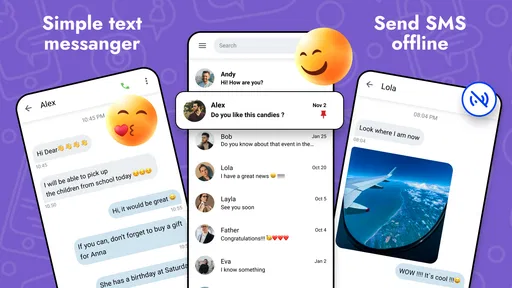
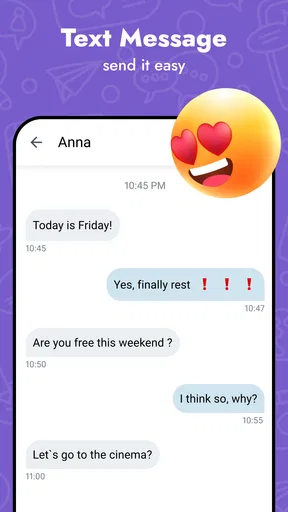
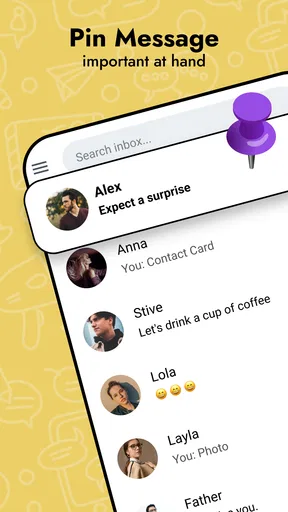
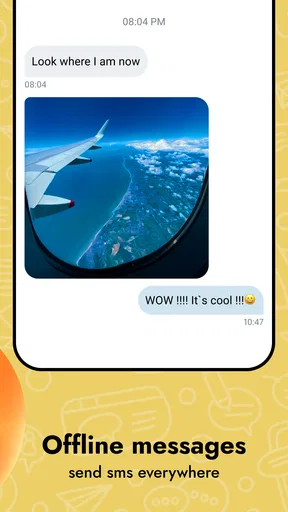
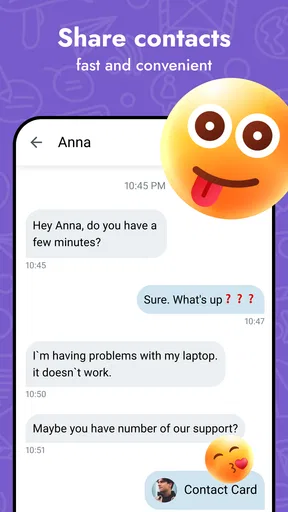
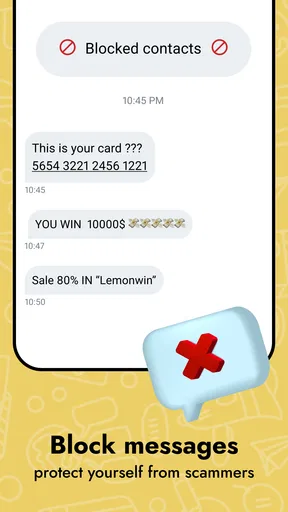
 Analysis by AppCompare
I approach a texting app as a daily tool, not a place to spend time learning a new system. For me, the useful questions are whether I can find the right conversation quickly, read messages comfortably, and send a simple text without unnecessary steps. Messages - SMS Texting App is a communication app from Battery Stats Saver, and its central appeal is a familiar SMS experience with room to make the screen feel more personal.
Readability, navigation, and everyday texting
Upon downloading the Messages - SMS Texting App, I was immediately drawn to its clean and user-friendly interface. It has this slick look that makes navigating through your texts feel effortless. You know that feeling when you first get a new phone and everything feels fresh? That's what this app brings to your texting game.
The app offers a variety of customization options that let you tweak everything to match your style. From changing the background colors to selecting different bubble styles, it's all about making your texting environment feel like your own personal space. And honestly, who doesn't love a little personalization?
That visual flexibility matters for more than decoration. A background and bubble combination with clear contrast can make a busy thread easier to scan, especially when you are looking for a practical detail such as a meeting time or an address. I would choose a restrained theme first, then adjust it only if the conversation view still feels comfortable; a bold design can be fun, but visual flair is not worth making text harder to follow.
For someone who receives a steady stream of short messages, the most useful test is simple: can you open a thread, understand the latest exchange, and return to the conversation list without thinking about the interface? This app aims for that familiar rhythm. It is a better fit for people who want SMS to remain straightforward than for someone seeking a full social platform with channels, voice rooms, or a community feed.
Features that help with planning and phone changes
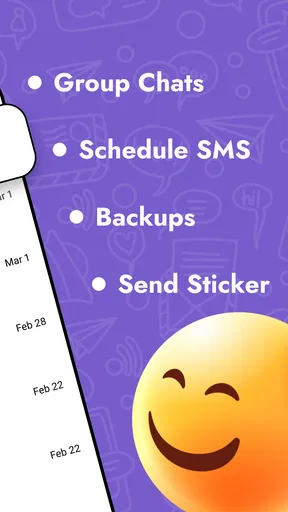
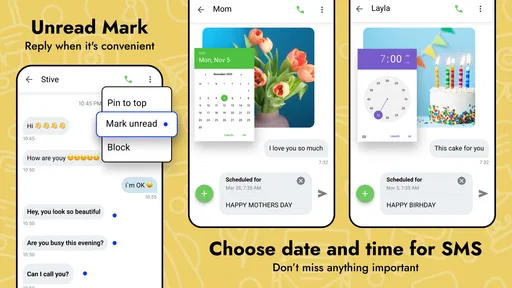
One of the features I found super handy is the ability to schedule messages. Ever remembered you had to send a birthday text at midnight, but you were too comfy in bed? With this app, you can draft your message, set the time, and voilà, it sends itself. It's like having a personal assistant for your texts!
Scheduling is also useful for less celebratory moments: I can imagine writing a reminder while it is fresh in my mind, then choosing a sensible time for it to reach someone rather than sending it late at night. I would still check the recipient and wording before setting a message to go out. A scheduled text can prevent forgetfulness, but it cannot judge whether the timing is considerate or whether plans have changed.
Worth Reading Before You Choose

EA SPORTS FC Mobile 26 Is a Bigger Football Game, but It Takes Time

Flipboard Shows What News Apps Must Do Beyond the Feed

Switching to Android Auto Means Rethinking Your Driving Routine

Google Calendar Makes a Crowded Week Easier to Manage

Ludo King Makes the Most of the Minutes Between Plans

Baby Panda World Brings Quick Play to Modern Phones, but Its Game Library Feels Busy
Another cool feature is the instant SMS backup and restore. We've all been there—losing important messages when switching phones is a nightmare. This app ensures your chats are safely stored and can be restored whenever you need them.
That makes the backup option especially relevant before replacing a phone or moving to a new one: it is worth thinking about message history before the old device is wiped or passed on. I would treat backup as a practical safeguard, not as a reason to keep every sensitive conversation forever. If a message matters for a reference, save it deliberately; if it does not, retaining a long history may not be useful to you.
Also, the app supports dual SIM functionality, which is a lifesaver if you're managing two numbers. Whether it's separating work and personal life or using an international SIM while traveling, this feature keeps things smooth and organized.
For a person juggling work and personal numbers, the value is less about having two SIMs in itself and more about choosing the right line before sending. A quick check of which number is active can prevent a work update reaching a personal contact from the wrong identity. Travelers may appreciate the same distinction when using a local SIM, though the app is most compelling if SMS is already part of how they keep in touch.
Comfort across different abilities and situations
Customization can support different visual preferences, but I would not assume that a theme automatically solves every readability need. If you have low vision, sensitivity to bright screens, or difficulty distinguishing colors, try the available appearance choices in the lighting where you normally text. A combination that looks clear indoors may feel harsh outside at night. Keeping the conversation style simple and checking the phone’s own display settings can be a more comfortable starting point than choosing a decorative theme first.
Motor comfort is another practical consideration. When one hand is occupied—holding a bag, steadying a child, or gripping a rail—it helps when a messaging routine stays familiar and does not require elaborate gestures. I would test the app with the kinds of short replies I actually send, rather than judging it only by how attractive the screen looks. If reaching, tapping, or editing a message is uncomfortable on your device, the phone’s system-level interaction settings may matter as much as the app’s appearance.
There are also situations when texting itself is the accessible choice. In a quiet waiting room, during a meeting, or in a place where a call would be disruptive, SMS lets me communicate without speaking aloud. It can be useful for someone who prefers written exchanges or needs to reread an instruction later. On the other hand, a text is not ideal when tone is easy to misread or when a quick back-and-forth would take too long; I would switch to a call or another communication method when that is clearer and more comfortable.
A realistic example is coordinating a pickup while I am on the way home. I can send a short update, schedule a message if I need to send it at a better time, and keep the exchange in the same familiar SMS routine. If the other person uses a different messaging service, however, an SMS app will not magically make that conversation available in their preferred platform. The best choice depends on what both people already use and whether the exchange needs anything beyond ordinary texting.
Performance, expectations, and trade-offs
Now, let's talk about performance. I tested the app on both Android and iOS, and it runs like a dream on both platforms. The messages send quickly, and I didn't experience any lag or crashes, which is crucial for a seamless texting experience.
One point I would keep in mind when choosing any SMS app is that the experience depends on the phone and the messaging setup as well as the app. A smooth interface is helpful, but it does not change the basic nature of SMS: if you want rich group spaces, ongoing multimedia conversations, or a messaging network your whole circle already uses, a dedicated internet-based messenger may suit you better. For simple person-to-person texts, this app’s focus is easier to appreciate.
What really sets this app apart is its security features. In an age where privacy is a top concern, this app delivers with end-to-end encryption. This means your messages are safe from prying eyes, giving you peace of mind that your conversations stay private.
On the user experience front, the app integrates smoothly with other apps, like photo sharing and emojis, making it easy to enhance your texts without any hassle. Plus, the app supports a wide range of emojis and GIFs, adding a fun twist to your conversations.
For readers comparing it with a phone’s usual messaging option, I would focus on the difference that affects your routine: whether personalization, scheduling, backup, or handling two SIMs is worth changing your default habits. If your current app already makes conversations readable and dependable, switching solely for a new look may not add much. If you often need a scheduled note or want more control over the appearance of your threads, those tools give you a more concrete reason to try it.
The app is free to download and is rated for Everyone. It has a 4.5 average from around 138,000 ratings, and it has passed 10 million installs. Its current version is 2.8.14, with Android 6.0 as the minimum operating system requirement. Optional in-app purchases range from $0.99 to $99.99 per item, so I would review any purchase prompt carefully and decide whether a paid option adds something I genuinely need before spending.
That range of optional purchases is worth bearing in mind if you are looking for a strictly no-cost experience. The core appeal is everyday texting, so I would not pay simply because a customization choice catches my eye; first decide whether it improves readability or a task you do often. The app was released on July 2, 2022, and its large audience suggests it has reached many users, but popularity alone is not a substitute for checking whether it suits your phone, communication habits, and comfort needs.
Who will get the most from it
I can see this app working well for someone who wants a more personal-looking SMS inbox, keeps two numbers in use, or regularly remembers messages at inconvenient times and would benefit from scheduling. Its backup and restore option also speaks to people who value keeping their message history when changing phones. Those are specific, useful reasons to consider it—not just a vague promise that texting will feel better.
I would be more cautious if you depend on advanced accessibility controls that must be verified before switching, if your contacts rarely use SMS, or if you need features associated with a particular messaging network. The same goes for anyone who finds changing familiar routines tiring: an app is only an improvement if its controls are comfortable for you, not merely because it offers more visual choices.
Final Thoughts
Overall, the Messages - SMS Texting App is a fantastic choice if you're looking to upgrade your texting experience. With its sleek design, robust features, and emphasis on security, it's more than just a basic SMS app. It transforms texting into an enjoyable and personalized part of your daily routine.
If you're ready to take your texting to the next level, I highly recommend giving this app a try. It's available for download on both Android and iOS, so no matter your device, you're covered. Happy texting!
Pros
- Easy-to-use interface for quick texting.
- Supports multimedia messages seamlessly.
- Group messaging capabilities included.
- Customizable notifications for each contact.
- Works offline for saved drafts.
Cons
- Lacks end-to-end encryption.
- Limited customization options.
- Ads can be intrusive at times.
- No dark mode available.
- Sync issues with older devices.
FAQs for Messages - SMS Texting App
Is Messages - SMS Texting App free to use?
Yes, Messages - SMS Texting App is free to download and use. However, be aware that while the app itself does not charge for its core features, your mobile carrier may apply standard messaging rates depending on your plan. Always check with your carrier to understand any potential costs.
Does Messages - SMS Texting App support multimedia messages?
Absolutely! Messages - SMS Texting App supports MMS, allowing you to send pictures, videos, and audio messages. This feature enhances your communication by letting you share more than just text. Ensure your device has a stable internet connection for the best experience with multimedia messaging.
Can I customize my chat settings in Messages - SMS Texting App?
Yes, the app offers various customization options to enhance your messaging experience. You can personalize your chat background, change notification tones, and adjust text bubble colors. These features allow you to tailor the app’s appearance to suit your personal style and preferences.
Is Messages - SMS Texting App secure?
Messages - SMS Texting App prioritizes user security by employing encryption to protect your messages from unauthorized access. While no system can be completely foolproof, the app takes significant steps to ensure your data remains private. Always keep the app updated to benefit from the latest security enhancements.
Does Messages - SMS Texting App work offline?
While you can send and receive standard SMS without internet access, features like MMS and advanced messaging functionalities require a data connection. The app is designed to switch seamlessly between online and offline modes to ensure you can stay connected even with limited internet access.


